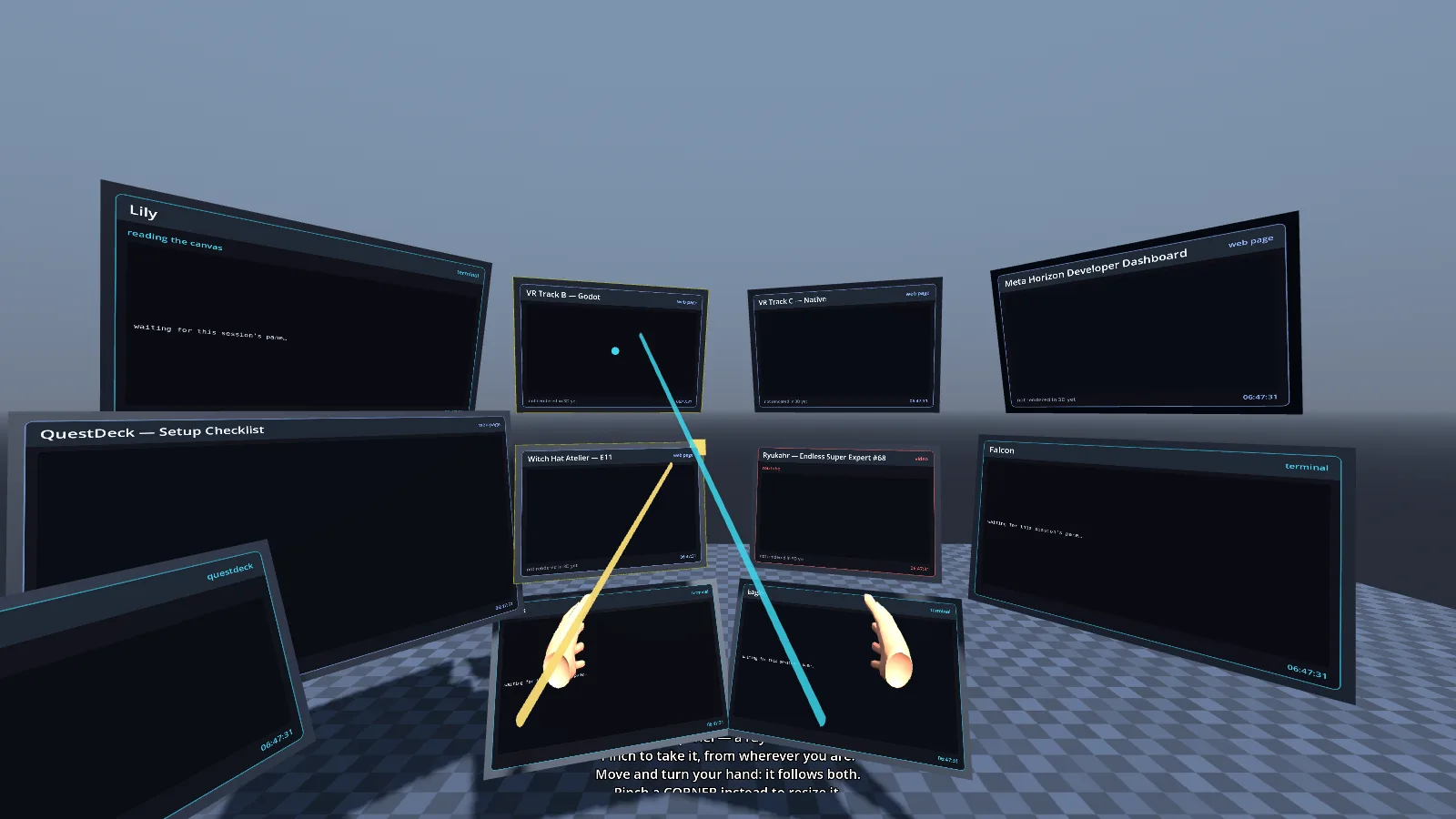
Every tile open on the canvas becomes its own floating panel on the Quest 3.
Point at a panel from wherever you are standing, pinch the bar along its bottom to take hold of it at that distance, and move, turn or resize it with your hand. Pinch a corner to resize it.
It reads the same server-side canvas the desktop app and web canvas read, so opening a tile on a laptop makes a panel appear in the headset, and closing it there takes the panel away. Personal and sideload-only.